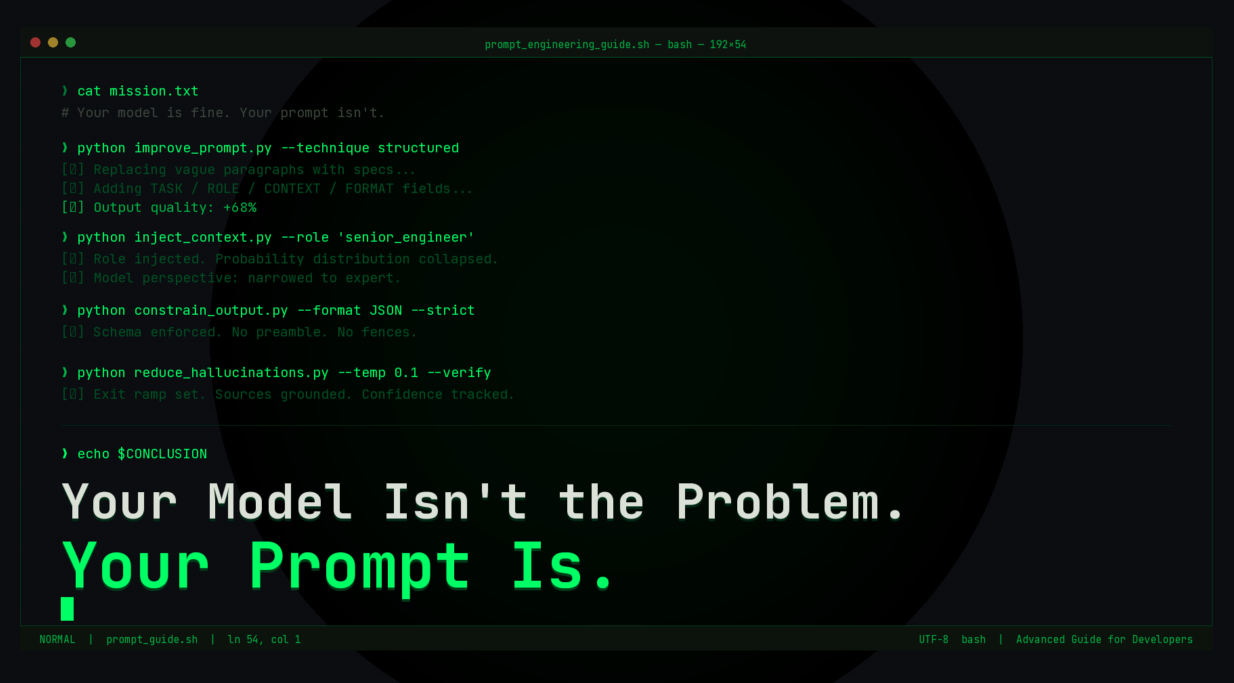
A developer's guide to prompt engineering techniques that actually move the needle.
Most people instinctively reach for a more powerful model if the results aren’t satisfactory. It’s a costly reflex. Upgrading from a GPT 3.5 to a GPT 4 gets you a better model. Learning to craft a good prompt gets you a better driver. One costs money. The other is free and immediate.
Here’s what actually works.
1. Structured Prompting: Stop Writing Paragraphs, Start Writing Blueprints
Unstructured prompts hand the model too much interpretive freedom, and it fills your ambiguity with its best guess, not yours. The fix: treat your prompt like a function signature.
Instead of:
"Write me a blog post about climate change for my company."
Try:TASK: Write a blog post
TOPIC: Corporate carbon offset programs
AUDIENCE: Mid-level sustainability managers at Fortune 500
TONE: Authoritative, slightly skeptical, data-driven
AVOID: Generic statistics, greenwashing language
Same model. Dramatically different output. You wouldn’t ship code without requirements, don’t prompt without them.
2. Context Injection and Role-Based Prompts: Give the Model a Character
LLMs adapt to whoever they think they are. Role-based prompting exploits this on purpose:ROLE:Principal engineer at a high-traffic SaaS companyCONTEXT:500k req/min, migrating monolith → microservicesStack:Node.js, PostgreSQL, RedisCONSTRAINTS:Zero-downtime. No new infrastructure budget in Q1.TASK:Propose a phased migration strategy.
This is like collapsing the probability distribution over all the possible outputs. You’re focusing the model’s view on just that particular expert rather than averaging over all people who’ve ever wondered something similar.
For long documents: don’t just dump it all in. Extract the relevant bits, mark them clearly ([CONTRACT — SECTION 4.2]), and refer to them in your task. Chunked context is your friend.
3. Output Formatting Constraints: Specify It or Be Surprised
The model doesn’t know your output feeds a downstream parser. Unless you tell it:Return a valid JSON array.Each object must have:
"title" (string, max 60 chars)
"summary" (string, max 150 chars)
"priority" (integer, 1–5) Do not include markdown fences.No commentary before or after the JSON.
That last line does heavy lifting. The default behavior is for the model to start with “Sure! Here’s the JSON:” and the single line of code prevents that from interfering with your parser.
Other formatting levers you might find useful:
• XML – for when you need a lot of nesting and hierarchy in the output
• — delimiters – for when you have multiple outputs and need them separated nicely
4. Reducing Hallucinations: Design the Exit Ramp
Hallucinations are not random. The model is designed to be overly confident. It will produce the most plausible-sounding text when it is unsure of an answer. Your job is to interrupt this pattern.
Two moves that work:
→ Give it an exit"If you don't have reliable information, say so rather than guessing."
Models will use it. Sounds obvious. Dramatically effective.
→ Ground it in sources"Answer using only the document below. Do not draw on outside knowledge."
RAG architectures are this principle at scale.
The Bigger Picture
Prompts are an interface, the API between you and the model. A vague prompt is an undocumented API. You get what you get. The people who get the most out of AI write prompts like they write good code: with intention, constraints, and a clear spec for the output. Start there. Iterate fast.
Found a prompt trick that changed your workflow? Drop it in the comments.
