A field guide for developers caught between excitement, existential dread, and a tab with 47 open Stack Overflow answers.
Let me paint you a picture.
It’s 2021. You’ve spent three hours centering a div. You’ve tried margin: auto. You’ve tried flexbox. You’ve tried prayer. You’ve Googled “center div CSS” for the four-hundredth time in your career and quietly accepted that this is just who you are now: a person who cannot center a div.
Fast forward to today. You type a single sentence into an AI tool and a perfectly centered, responsive, accessible, animated div appears before your eyes, complete with hover states and dark mode support.
And your immediate reaction is: “…did I just make myself obsolete?”
Breathe. The answer is complicated. And honestly, more interesting than a simple yes or no. Let’s dig in.
Act I: The AI Productivity Boom (Or: How I Learned to Stop Worrying and Love the Autocomplete)
The numbers are real, and they are wild. Developers using AI-assisted tools like GitHub Copilot, Cursor, v0 by Vercel, and a dozen others are reporting productivity gains in the 30–50% range. That’s not a rounding error. That’s nearly half your workday handed back to you.
What does that actually look like in practice?
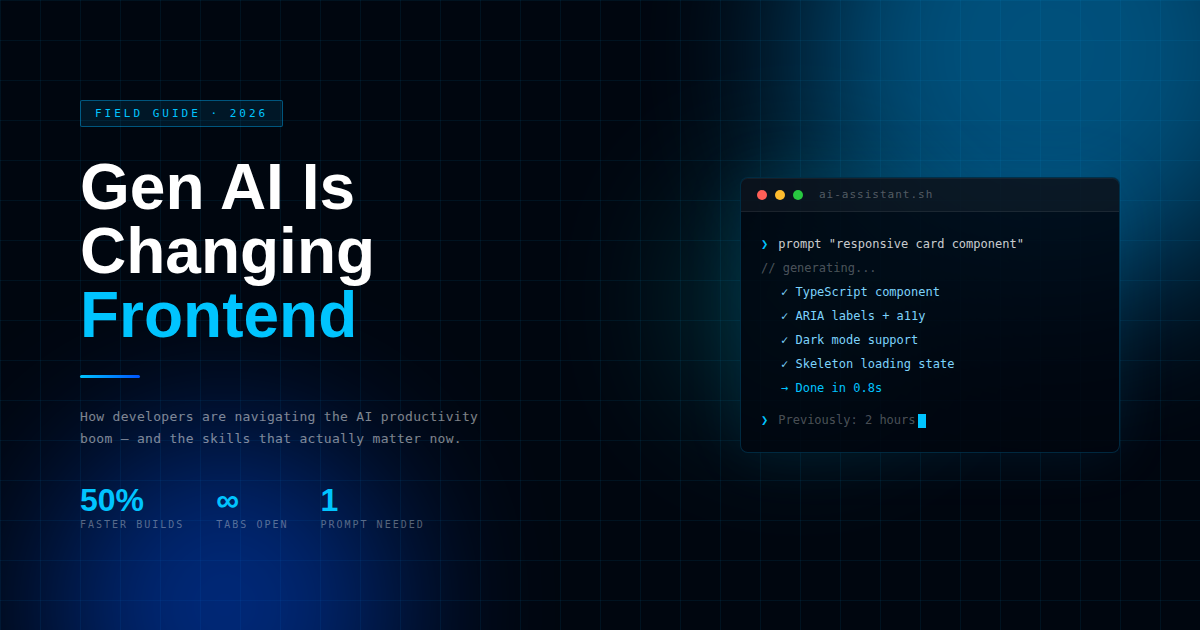
It looks like a designer handing you a Figma file on Monday morning and you having a fully functional prototype by Monday afternoon, instead of Thursday. It’s like writing a prompt such as “create a responsive card component with skeleton loading state, error fallback, and ARIA labels” and having something that would have taken you two focused hours to write in about twelve seconds.
It’s like the junior developer on your team just becoming more productive than the senior developer who refuses to learn new tools.
For repetitive, well-scoped tasks such as CRUD forms, navigation components, data tables, and modal dialogs, AI is a game-changer. It’s like having a developer who never gets tired, never questions the clarity of the ticket, and never asks if this could wait until after lunch.
The downside? It also has the critical thinking abilities of someone who has never actually shipped a product.
Act II: The Great Component Architecture Crisis
Here’s where things get spicy.
AI is very, very good at generating code. It is considerably less good at generating good systems. There’s a difference, and it matters enormously.
Give an AI tool a prompt and it will produce a React component. Give it ten prompts and it will produce ten React components. Give it a hundred prompts across a six-month project and you will end up with the most beautifully written, elegantly styled, completely incomprehensible spaghetti codebase you’ve ever had the displeasure of maintaining.
Why? Because AI writes in a vacuum. It doesn’t know that you already have a Button component. It doesn’t know that your design system has a particular way of handling spacing tokens. It doesn’t know that the pattern it just wrote will break your state management strategy in three sprints.
It doesn’t know anything. It predicts. And predictions without context are just very confident guesses.
The people who are thriving with AI tools right now aren’t the ones who are prompting the most. They’re the ones who are looking at the output like a senior developer looking at a junior’s PR, with a healthy dose of skepticism, pattern recognition, and a deep understanding of where this thing is going to break at 3am six months from now.
Component architecture is still a deeply human discipline. You have to understand the why behind the architecture, not just the what of the implementation. AI can build you a house. It can’t tell you where the house should go, how it should fit into the neighborhood, or whether you should have built a house at all.
Act III: The Death of “I’ll Just Implement It” (And Why This Is Actually Great News)
Here’s the attitude change that distinguishes developers who will succeed in this new AI age from those who will fail:
The value is no longer in the implementation. The value is in the decision.
For a long time, the value of a frontend developer was in their ability to take a design and turn it into working code. That skill is still important, but it’s being commoditized rapidly. A 70% solution can be provided by an AI tool in seconds. A good developer can then take it and make it work in minutes.
What AI cannot do is:
- Decide that this modal should instead be a page.
- Realize that the API response shape will make this component impossible to reuse.
- Know that this animation will kill performance on mid-range Android devices.
- Understand that your accessibility needs mean this entire interaction pattern is flawed.
- Have a conversation with a product manager and convince them of a better idea.
These are all judgment calls. They need context, experience, and the ability to juggle multiple conflicting priorities in your head at once. They need, in short, a human.
The future frontend developer isn’t someone who writes more code. It’s someone who writes less code, makes better choices, and knows exactly when to go against the AI’s smug-but-wrong recommendation.
This is great news if you’ve always been someone who cares more about building the right thing than about showing off how quickly you can build it.
Act IV: The Skills That Will Actually Matter (Please Read This Before You Panic-Enroll in Another Udemy Course)
Now, let’s talk about what to actually learn. Not what a LinkedIn influencer told you to learn. What will actually keep you relevant.
1. Prompt Engineering (But Not in the Way You Think)
Yes, you should get good at prompting. But the skill isn’t in writing magic incantations. It’s in communicating requirements with precision. The developers who get the best AI output are the ones who have already thought clearly about what they need. If you can’t explain it well to a person, you can’t explain it well to an AI. The AI just won’t argue back.
2. System Design Thinking
This is the big one. How do the pieces relate to each other? Where does the state live? How do you design a system that scales? These have always been important questions, but they’re even more important now because you have an AI that will happily generate 47 different versions of a button for you if you let it.
3. Code Review at Speed
AI produces fast. You have to review fast and well. That means knowing what to check for, performance pitfalls, accessibility problems, pattern problems, security problems, without reading every line. It’s a skill. Learn it.
4. The Human Skills That Never Age
Stakeholder communication. Translating ambiguous requirements into clear specifications. Knowing when to push back and how. Understanding the business context of technical decisions. Empathy for users. None of this gets automated. All of it compounds in value as the AI takes on more of the mundane tasks.
5. Understanding AI Limitations (Without Being Smug About It)
The developers who loudly proclaim “AI can’t do X” at every meeting are the same ones who will be surprised when AI does do X in six months. Be humble. Be curious. Understand what the limitations are today, but be ready for them to change.
Epilogue: The Vibe Has Shifted
We are in a weird, wild, and sometimes anxious-provoking era in frontend development. The tools are evolving at a pace that outstrips best practices. The job description is being rewritten before our very eyes. There is no one with the full playbook.
Here is what I am fairly sure of: The developers who treat AI as a partner, not a competitor, or worse, a crutch, are going to do amazingly well.
Use it like you would use a very fast, very confident, sometimes wrong pair programmer. Trust but verify. Prompt but review. Generate but architect.
And for the love of all things holy, don’t let it write your entire codebase without it understanding what it’s building.
The div will still have to be centered. But at least you have some assistance now.
What tools of AI are you using in your frontend development process? What have you been surprised by, good or bad? Leave a comment below.
